Creative software for finance media buyers
Turn your financial offer into ads and advertorials
Upload your VSL. Get image ads, videos, search ads and advertorials, with income claims, guarantees and banned phrases flagged before you upload them.
Invitation-only beta, free with no card Nothing goes live until you upload it
Studio demo: three requests and their results, shortened. First, with the project’s brief built from the 74-minute VSL, a request for a 30-second Facebook video ad: a script, a voiceover, scenes animated as one continuous shot, and captions. The result is a 22-second video that plays muted; its captions read “A lot of investors think they missed the artificial intelligence run, but a second wave of AI is already building. Instead of guessing, one research service pairs tech research with a four-factor rating system to give you objective clarity. Click below to watch the free unedited video presentation to see the full breakdown and the ratings on key tech stocks.” Second, on the image ads screen, a request for 6 square ads: plan ready: 6 angles; 6 images made; each ad reviewed, image and copy; review: findings on all 6 ads. Third, a request for an advertorial: a draft of about 1,500 words with its hero image placed; compliance check: 12 flags, 2 high: quotes without a source. The steps happened in the project, the chat, the video plan, the image ads screen, the draft and the Compliance tab.
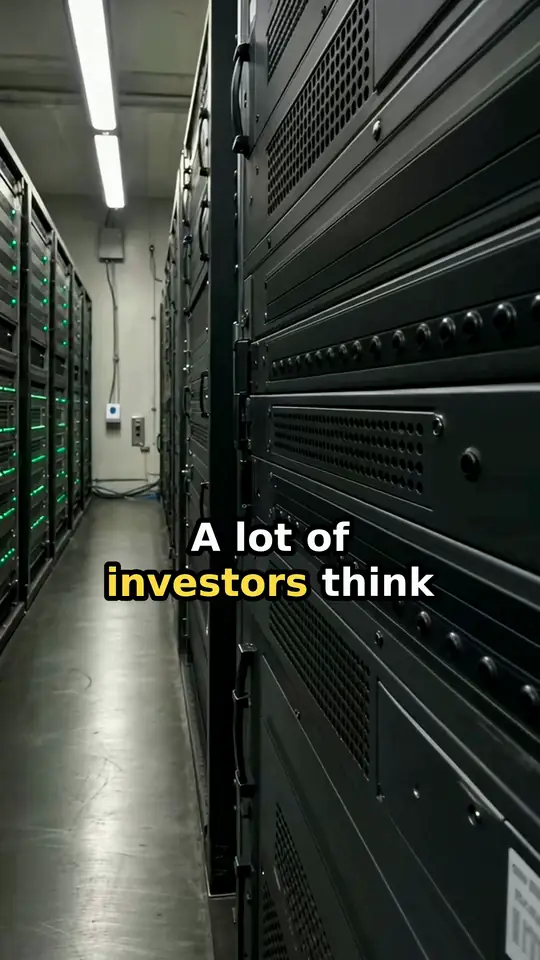
Shortened from real MediaWriter sessions on one client offer. Client name removed. AI-generated, not investment advice.
Examples
Real client ads, from video to search
Client ad · AI video
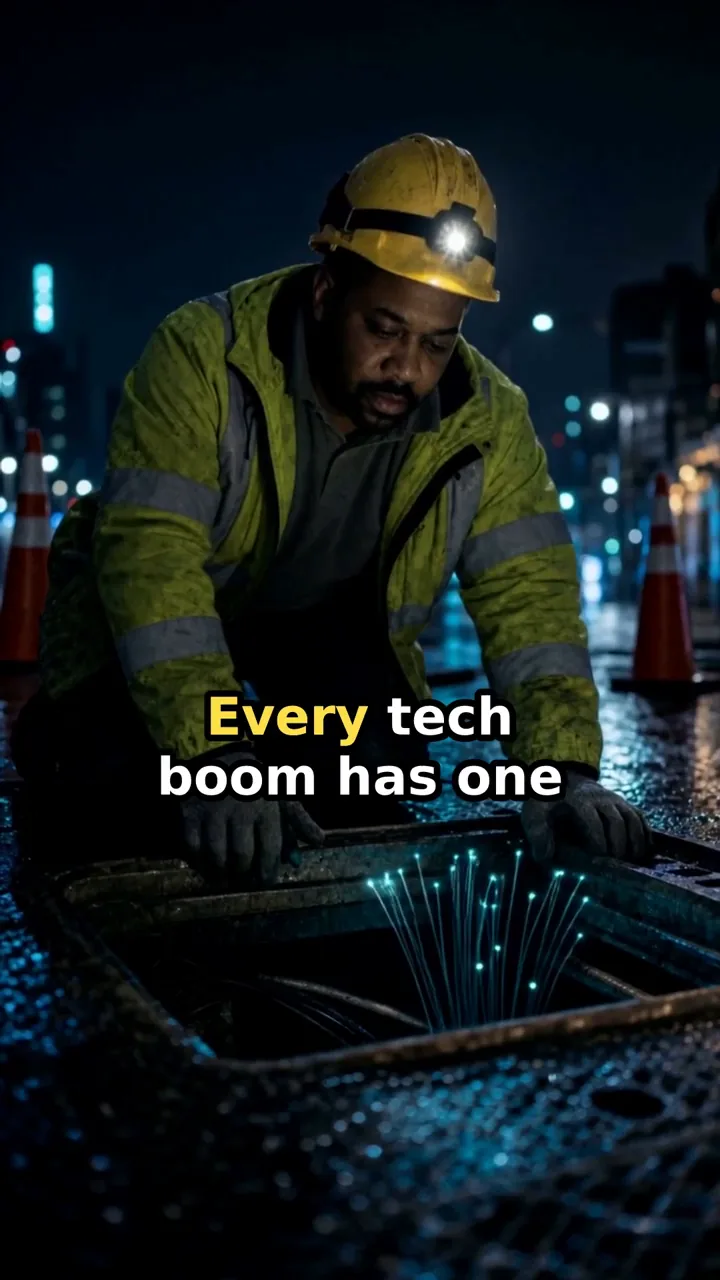
Finance promo
Made in MediaWriter
Client ad · AI video

Finance lead ad
Made in MediaWriter
Client ad · AI image

A Free Estimate Before You Decide Anything
Made in MediaWriter
Client ad
- See What Institutions Buy
- Institutional Flow Stocks
- Money Flow Dashboard
Other headlines in the set
- Footprint Tracker
- Sector Rotation Map
- Stop hearing winners after they moved. Track footprints before the crowd.
Search ad copy
Made in MediaWriter
Client ad · AI image
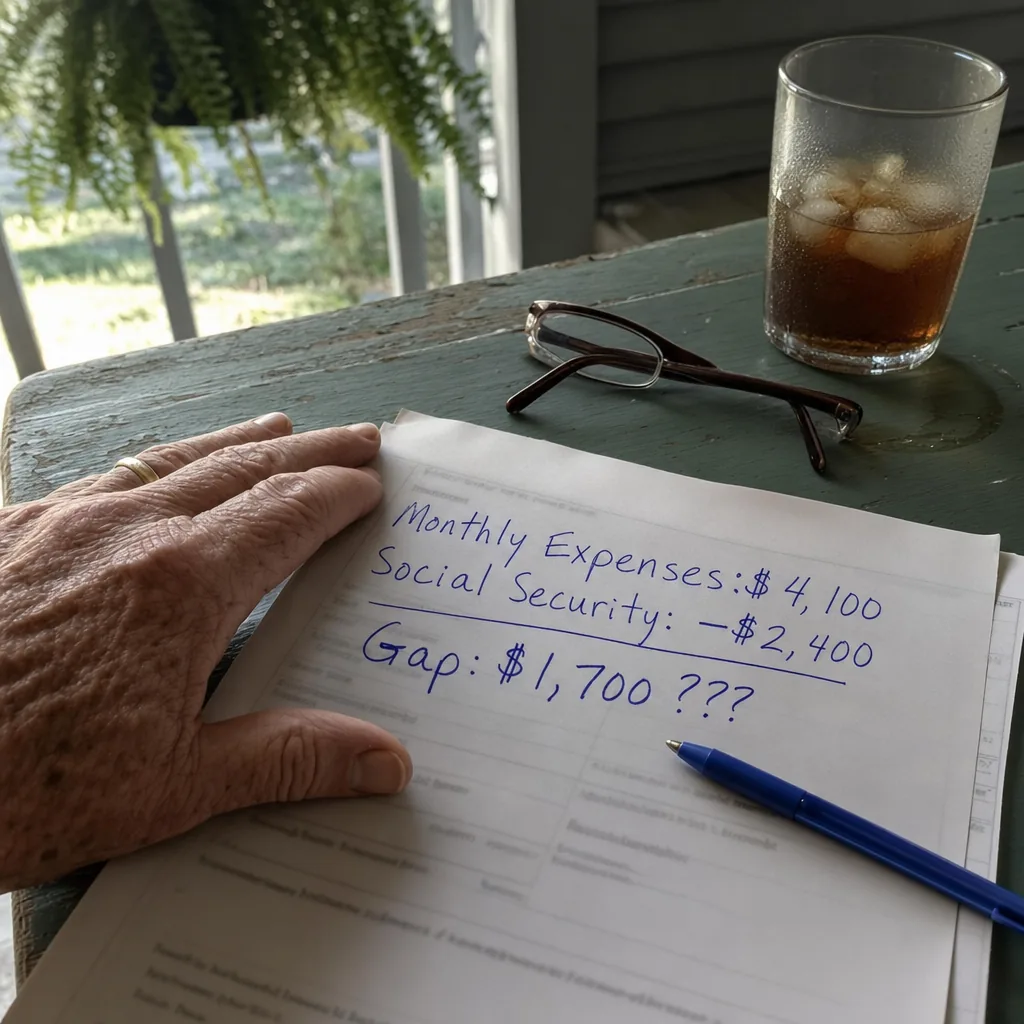
See Your Retirement Income Math
Made in MediaWriter
Client ad · AI image

“Free Retirement Seminar” Is Code for “Annuity Sales Pitch.”
Made in MediaWriter
Client ad · AI image

Why Top Advisors Stopped Buying Shared Leads
Made in MediaWriter
1 of 7
Made in MediaWriter for finance clients, names removed. The people, scenes, voices and images are AI-generated. None of this is investment advice.
The check
Keep the selling point, lose the risky line
Sample ad · Fictional newsletter
Copywriter’s draft · Meta primary text
Banned phrases: “guaranteed income” · “safe yield”
Our editor’s favorite income stock has a safe yield, has raised its dividend 148% since 2015, and readers who own it collect $2,250 per month. It’s as close to guaranteed as income gets.
- Must fix · Your banned phrase · “safe yield”
- Must fix · Specific income claim · “$2,250 per month”
In the illustrative rewrite
The income promise goes. The dividend record behind it stays, with its years and its source.
- Must fix · Guarantees · “guaranteed”
- Should fix · Return / performance claim · “148%”
Illustrative rewrite
This company paid $1.00 a share in dividends in 2015 and $2.48 in 2025, a 148% rise its annual filings confirm. Our editor’s free briefing names the company and opens with what could go wrong.
The 148% stays flagged for a person to check against the filing; dismissing it records their decision.
Fixed patterns can miss a risky line phrased another way. Your reviewer still decides.
The badges and quotes are the output of MediaWriter’s built-in rule check on this fictional sample, financial setting on; some labels are reworded. The rewrite is illustrative.
Compare MediaWriter’s built-in rule check and its Google Search checker on one line
Copywriter’s draft · read by both checkers
Retire rich with one income stock that pays $2,250 per month, close to guaranteed
MediaWriter’s built-in rule check · Meta primary text, financial setting on
- Must fix · Specific income claim · “$2,250 per month”
- Must fix · Guarantees · “guaranteed”
MediaWriter’s Google Search checker · description
- Must fix · One-stock retirement promise · “Retire rich with one income stock”
- Must fix · Income promise · “$2,250 per month”
- Should fix · Results figure with no disclaimer · “$2,250”
Both are MediaWriter’s own checkers, not decisions from Meta or Google. Here the Google Search checker flags three issues and misses the promise word.
In Studio, MediaWriter’s Google Search checker runs on Google assets made there.
With the financial setting off, the built-in rule check marks the income figure and the promise word Should fix instead.
Run the check on your own drafts once you’re in.
How it works
From your VSL to the files you upload
The brief, drafts, media and checks stay in one project. Edit the work there and download the files for upload.
1 of 3
Start from your sources
Upload the VSL, the sales letter and any research. MediaWriter drafts a brief with three big ideas. Before you can confirm your chosen idea, each proof point needs a citation.
Prepared sample data 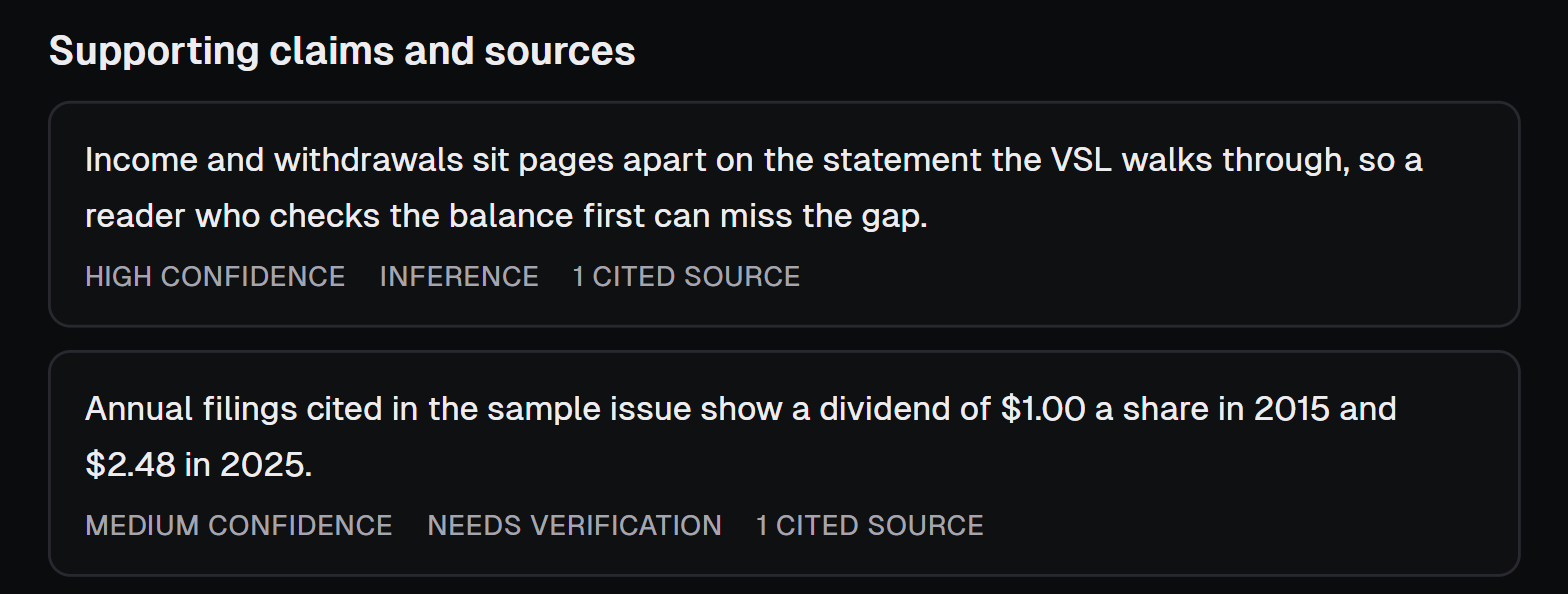
The claims, confidence levels and risk labels here are prepared examples. Each proof point shows a cited-source count. Shown enlarged.
Draft and edit the advertorial
Ask Studio for an advertorial from the project, rework sections and add AI or stock images. The same project drafts search assets, plus image ads and video for Meta or native traffic.
For native traffic, Studio drafts; checks for a named native network are not included when you join.
Prepared sample text in the advertorial editor 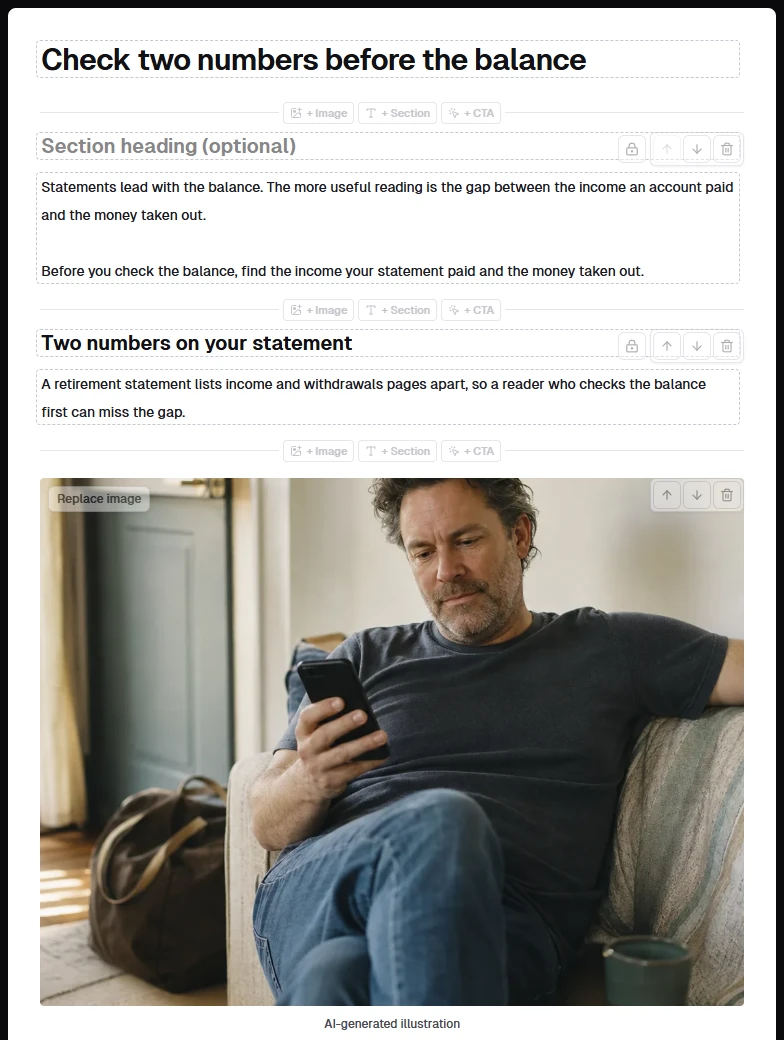
Download the files
Download the files and upload them yourself. The image ads with a copy sheet, the search file and the advertorial each wait for their checks and your confirmation.
- Image ads with a copy sheetimages · ads.csv · copy.md · manifest.jsonAfter each ad’s text and image checks find no high-severity issues and you confirm it
- Captioned MP4 videosMP4 with word-timed captions
- Google Ads Editor import fileWhen nothing blocks it, its review is current and you confirm warnings and export statements
- Advertorial page to host yourselfindex.html · assets · manifest.json · README.txtAfter the check finds no high-severity issues and you confirm that version
Prepared sample copy in the image ad workspace 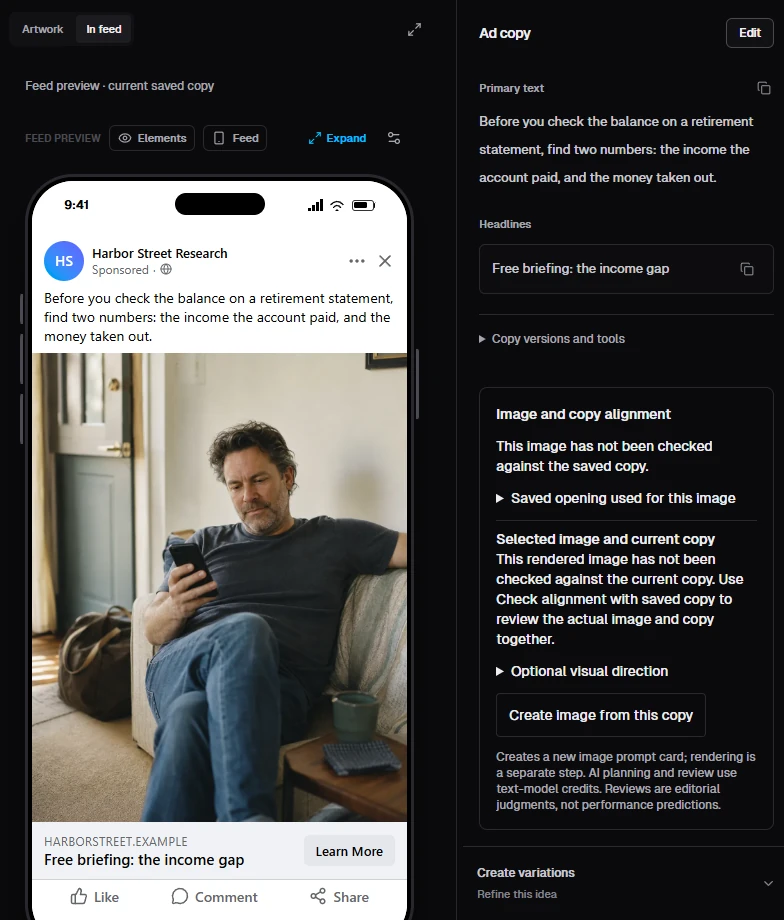


Real MediaWriter screens. The brief, article and ad hold prepared sample text for Harbor Street Income Letter, a fictional newsletter, and the photo is AI-generated.
Questions
What media buyers ask first
Plain answers, including where the check stops and who decides what runs.
No. The checks flag wording and suggest changes, and they aren’t legal advice. Your reviewer and the platform decide what can run. The fixed patterns can miss a claim worded another way, such as “Your income stays protected no matter what the market does”, and the deeper review uses a model with no published accuracy figure, so treat each result as one more reader, not the last one.
Lines the fixed patterns miss
- Income written “a month”, “monthly” or “per year”
- Income near a price word, like “offer”
- Personal-attribute lines such as “Are you retired?”
- Promises phrased around the patterns
- The image, landing page and account history
The brief brings your offer and its source references together, and Studio drafts from that project context. It writes each placement for the way people read it there and makes the images and video in the same project, with the models included. Your client’s rules sit in that project too: the model review reads drafts against them, and banned phrases are matched word for word.
MediaWriter’s built-in rules are its reading of Meta’s financial category, Google’s financial and public-figure policies (for Google assets) and FTC guidance on earnings claims. Of what the fixed patterns catch, guarantees and per-day, week or month income figures are Must fix with the financial setting on (annuity and insurance lead ads included), and return figures stay Should fix. Nothing is built in for state insurance, health, Medicare, lending, crypto, legal services, housing, or SEC and FINRA rules; add your own.
The fixed patterns flag
- Your banned phrases, word for word
- Promise, windfall and hype words
- Dollar income per day, week or month
- Turn-this-into-that money claims
- Figures of 100 percent or more
- All-caps runs
- Famous finance names, from a short list
No. You download the files and upload them yourself, so you can read each line before a platform sees it.
Not network by network in your account. Checks for named native networks stay with our own team while their rules are drafts or not loaded.
In your account today
- Draft native headlines and 3:2 thumbnails in Studio
- Run the general financial check on the ad text
Kept with our team
- Draft Revcontent rules, which NewsMax also runs through
- A Taboola draft preview
- Outbrain, with no rules loaded
What you upload and what the Studio makes belong to you, and you can export your work or delete your account yourself under Account and data. We don’t sell your data or use your work to train models, and we choose providers whose terms say they don’t train on API content. When you run a draft, a check or a render, that content goes to the AI provider doing the work, as our privacy policy explains.
Add a text card in the editor before you upload, because exported videos don’t carry an AI label automatically and a platform or a state law may require one. Use a real person’s face or voice only with their permission: our acceptable use policy requires it, and saved people and media ask you to confirm it.
Nothing during the invitation-only beta, and there’s no card to enter. We’ll email you before any paid plan starts. One person per account: team and reviewer seats aren’t available yet.
Tell us about the offer you’re writing now
Send your email and, if you like, a line about what you sell.
A request creates no account and costs nothing.
Invitation-only beta
Invitations arrive by email as a private sign-up link that works once.
Free, with no card
There’s no charge during the beta, and we’ll email you before any paid plan starts.
Native ads
Draft native headlines and 3:2 thumbnails in Studio; the general financial check reads the ad text. Checks for a named native network are not included when you join.